Copy once.
Find it always.
Everything you copy, always within reach.
to browse through your custom clipboard.
The clipboard macOS
should have built.
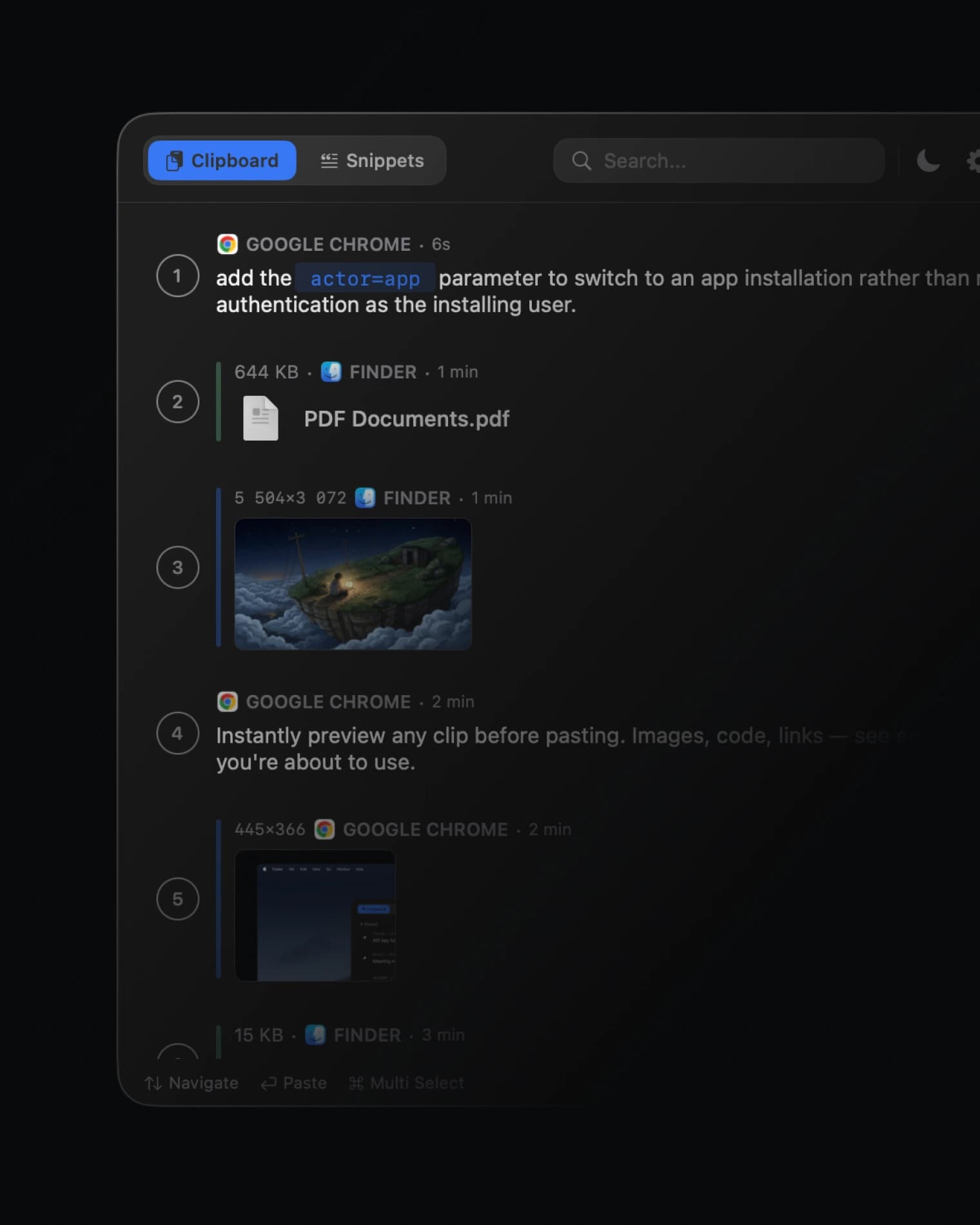
Select multiple items, queue them up, and handle any file type. Everything you need to move faster.
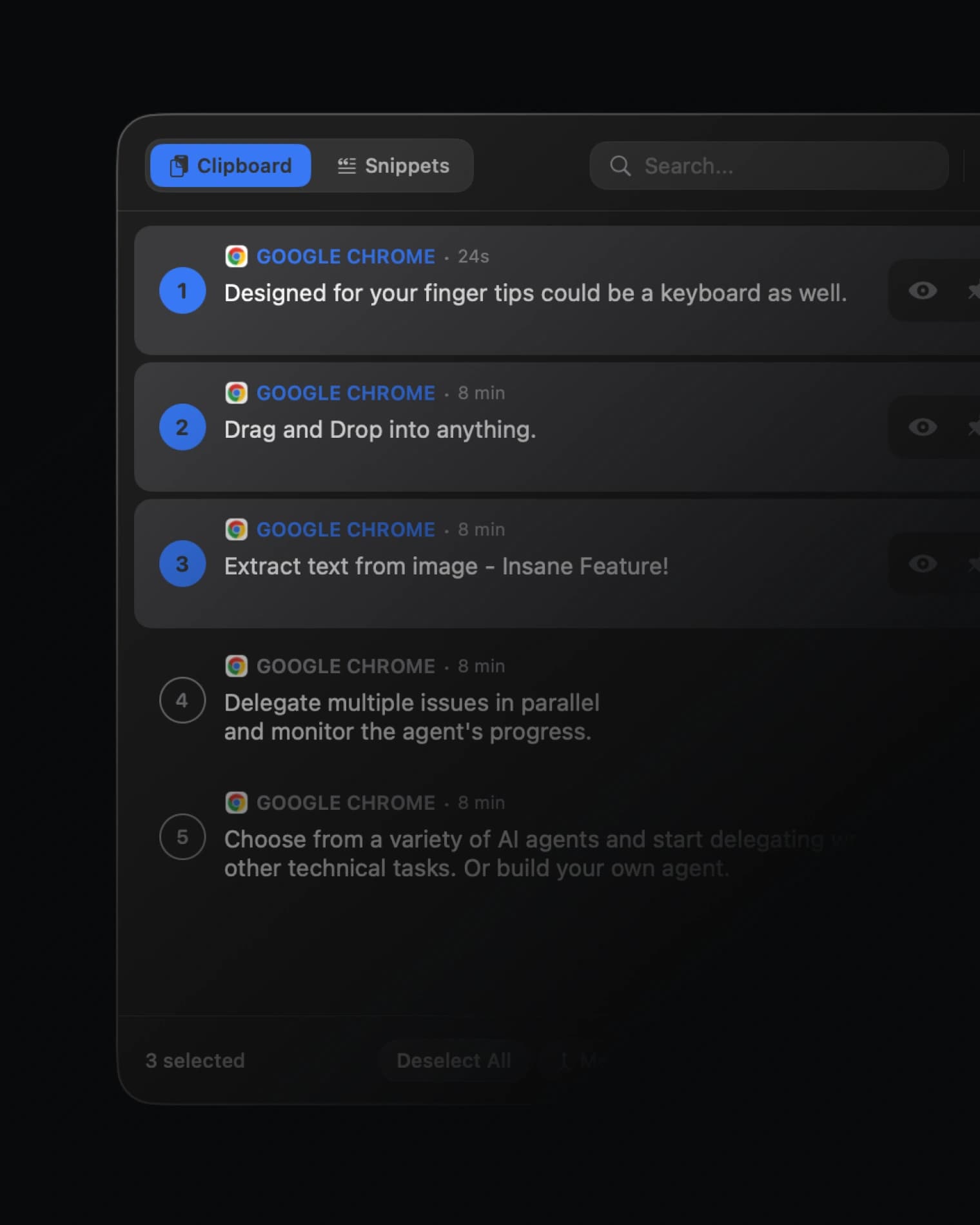
Multi Select & Paste
Select multiple clips and paste them together in one go.
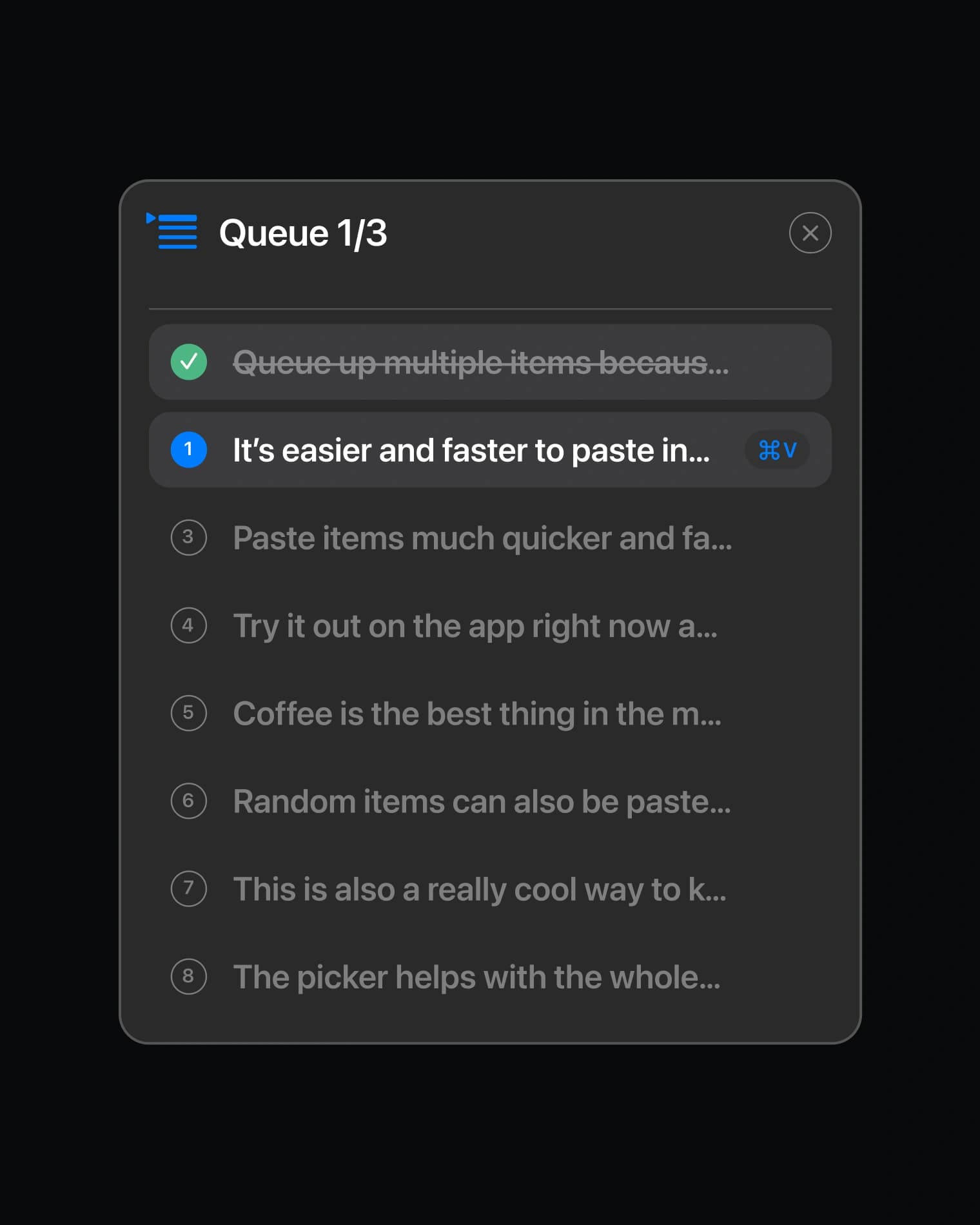
Queue Up Paste
Line up clips in order. Each ⌘V pastes the next one.
Supports Any Filetype
Text, images, files, code, links. Every format handled.
Built for Power Users


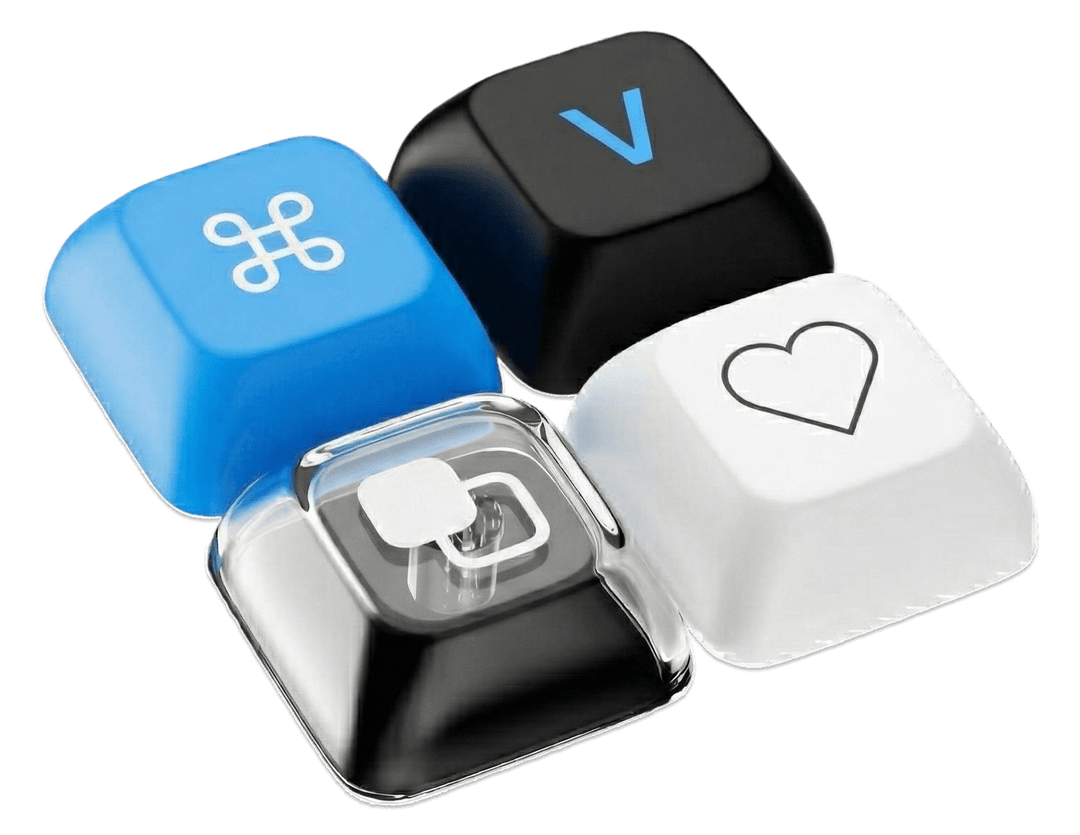
Designed for your fingertips
Every action is a shortcut away. Your hands never leave the keyboard.
Loved by Mac users
Changelog
Purchase made easy
Buy MindClip right from where you need it — no hunting through menus.
Trial & license improvements
Smarter handling of trial and license states during onboarding.
Permission stability
Revoking accessibility permissions no longer freezes your Mac.
History lives in the picker
Your clipboard history is now unified in the picker — one place to see everything, no duplicate lists to keep straight.
FAQ
Can't find what you're looking for? We're happy to help with any questions about MindClip.
Contact usHold down ⌘V. A quick tap pastes normally — hold it for a moment and the picker appears with your full clipboard history.
Text, rich text, images, screenshots, files, code — anything you copy. MindClip preserves formatting, detects programming languages with syntax highlighting, and can even extract text from images using built-in OCR.
Snippets are text you paste often — email signatures, addresses, code templates, canned responses. Pin them once and they're always available in the picker, across sessions and restarts. Think of them as your permanent clipboard.
MindClip needs Accessibility access to detect when you hold ⌘V. Without it, macOS won't let the app see keyboard shortcuts. Your clipboard data is never sent anywhere — the permission is purely for shortcut detection.
MindClip supports macOS 13 (Ventura) and later. It's built with SwiftUI and takes advantage of the latest macOS APIs for the best possible performance.
MindClip is a one-time purchase. Pay once, use forever. All future updates included — no recurring fees.
Everything stays on your device. MindClip stores clipboard data locally — no cloud sync, no servers, no analytics. Your data never leaves your Mac.
macOS only remembers your last copy. MindClip keeps your entire history searchable, lets you pin favorites, merge clips, extract text from images, queue pastes, and much more — all accessible with a single shortcut.
No. MindClip is built with native Swift — no Electron, no web views. It uses less than 20MB of memory and launches in 0.08 seconds. You won't notice it's running.